
🛠️
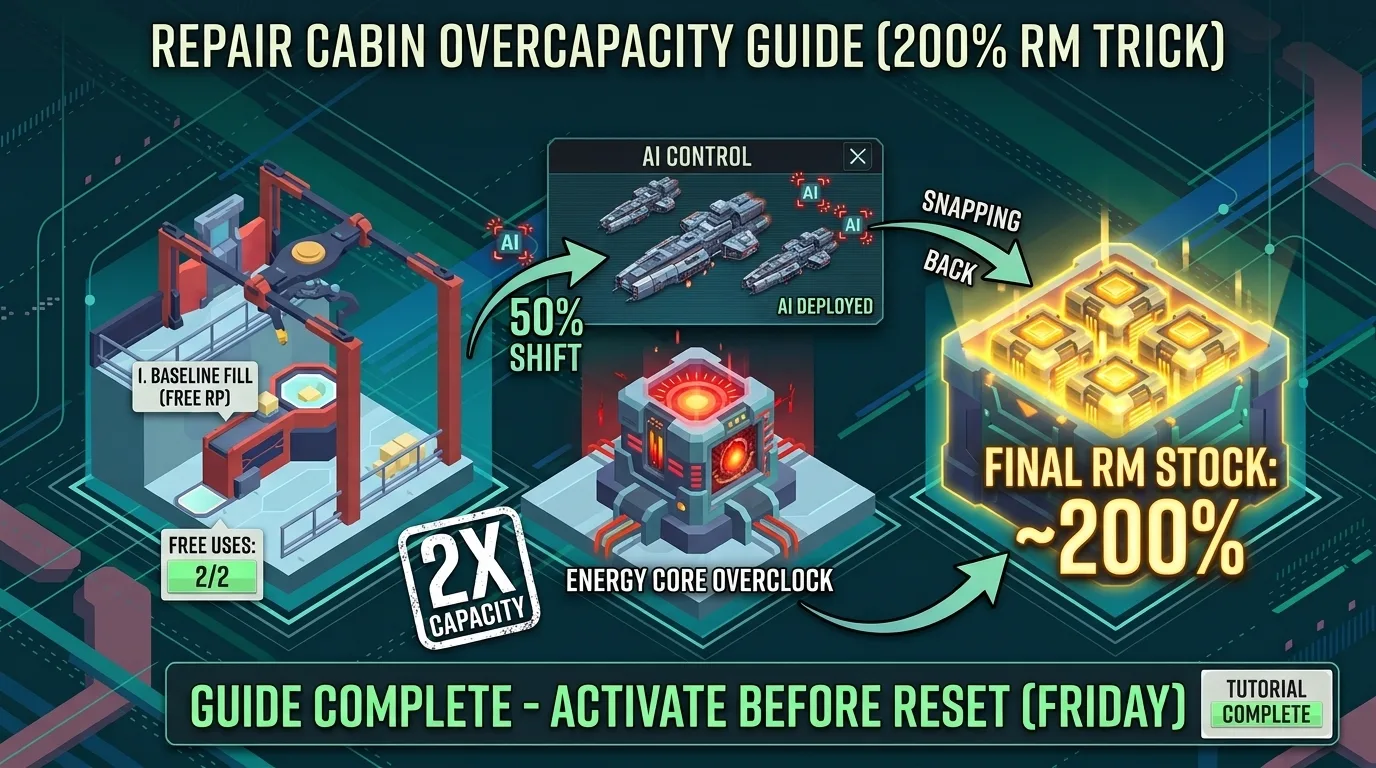
MAX OVERCAPACITY REPAIR MODULE (RM) TRICKMastering this trick ensures you can stay in the fight twice as long as an opponent limited by standard capacity—or who wastes resources producing Repair Modules at high costs.
📋 STEPS TO EXCEED YOUR REPAIR CABIN STORAGE LIMIT
Fill Your Storage to 100% (Baseline Fill)
Fill your inventory using Rapid Production (RP). You get 2 free RPs, after which the cost increases progressively.
Activate Overclock
Turn on Overclock on your Energy Core.
Deploy to AI (The Reserve Trigger)
Send all 3 ships into AI mode (Best modes: Battle for Ports, Attack Trader, or Battle Trial).
The 50% Shift: The game logic automatically pulls slightly over 50% of your current modules into a hidden "Backup Reserve" so the AI doesn't run out during missions.
Refill Your Main Inventory
Go back to the Repair Cabin and restock your main storage back to maximum capacity while the AI is holding the reserve.
Disable Overclock & AI
Turn Overclock OFF at the Energy Core.
Disable AI on your ships.
🎯 THE RESULT & PRO TIP
Total Inventory: ~200% RM in Stock!
The Snap-Back: Once you disable the AI task, the 50% reserve "snaps back" directly into your main inventory, nearly doubling your normal carrying limit.
💡 PRO TIP: Do this on Friday evening before reset to start the main engagements with a massive reserve ready to go!